Function rooms that turn over in ten minutes: portable panels for venues and events
A venue's screen has to arrive for the 9am workshop, disappear for the lunch setup and work for a presenter who has...
10 September 2026 · 2 min read5 August 2026 · 1 min read · Leaderhub Team
Once a computer is going behind a screen in a meeting room or classroom rather than sitting on someone's desk, the priorities change. Raw performance stops being the main question, and things like noise, mounting and day-to-day reliability move to the top of the list.
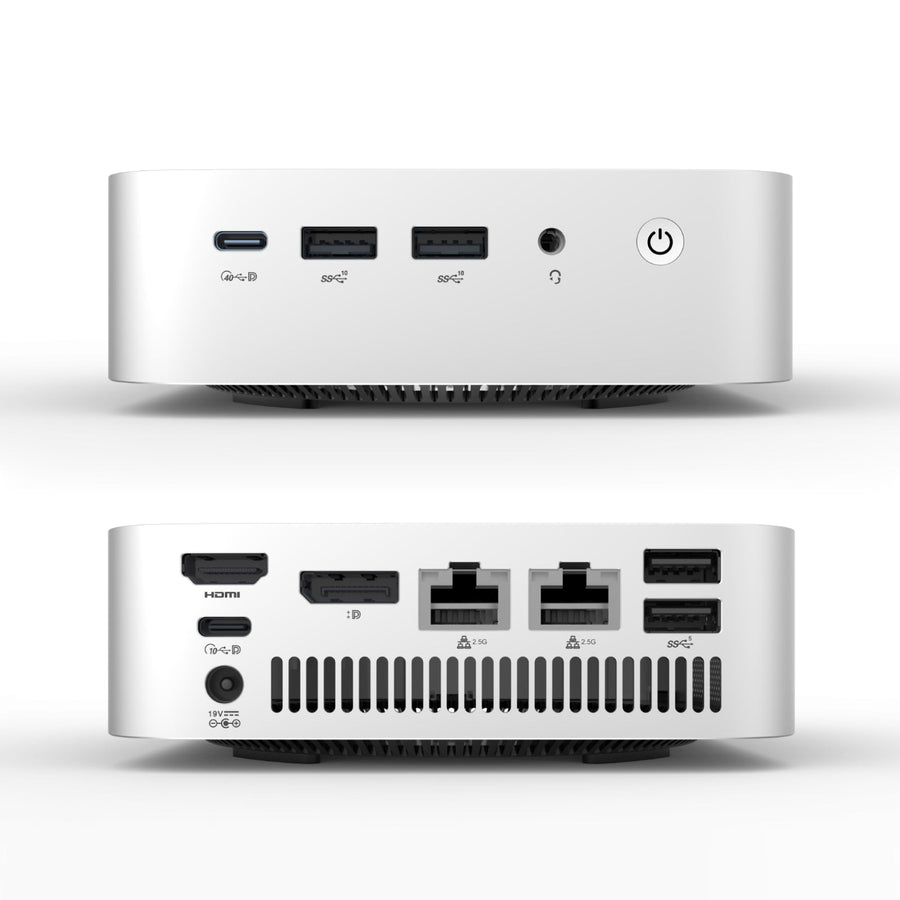
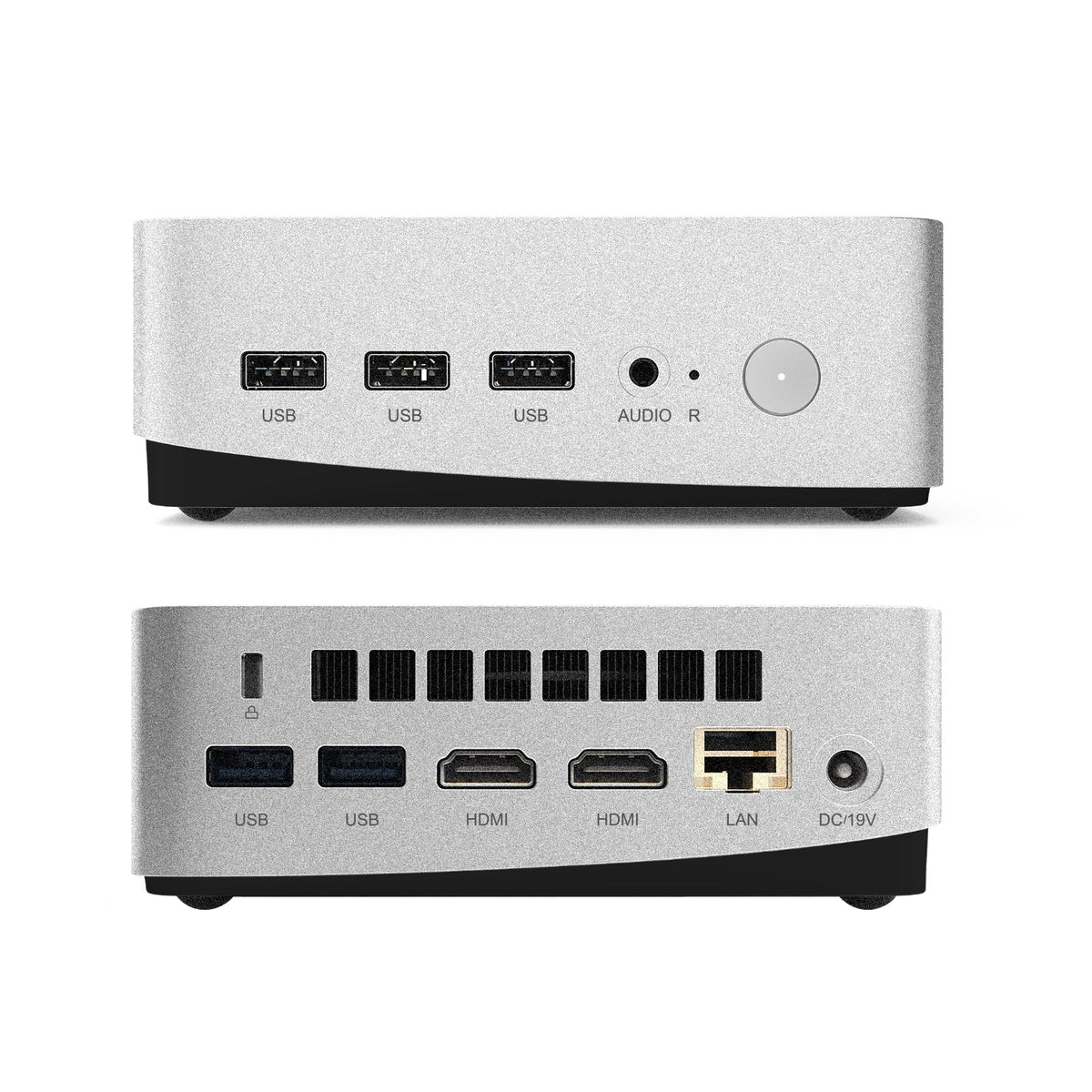
A desktop tower with a full-size fan setup is built to handle sustained load, but that usually means it's audible — fine under a desk, less fine sitting a metre from where people are trying to have a conversation or run a video call. Mini PCs are generally built around smaller, quieter cooling systems designed for exactly this kind of always-on, in-room use.
Most mini PCs are designed to mount directly to the back of a screen (VESA-style) or tuck into a stand, which keeps cabling contained and the room looking tidy. A desktop tower needs a shelf, a cabinet, or floor space — not always available in a meeting room that's already tight on room.
For most meeting rooms and classrooms, the computer's job is running video calls, browsers, presentation software and the occasional shared document — not video editing or heavy design work. That means a mid-range mini PC with a decent processor and 8–16GB of RAM is usually the right spec, rather than the most powerful option available. Where it's worth spending more is reliability: a machine that's going to run for years without being touched by IT benefits from a bit of headroom rather than being specced to the bare minimum.
Because these machines often sit out of sight and get used by whoever walks into the room, it's worth setting them up properly from day one — a standard Windows profile, automatic updates, and access locked down enough that a guest presenter can't accidentally change settings for the next meeting.
Our Mini PC range covers both ends of that spec range, and every unit that goes out gets set up with meeting rooms and classrooms in mind, not general desktop use.
A venue's screen has to arrive for the 9am workshop, disappear for the lunch setup and work for a presenter who has...
10 September 2026 · 2 min readCouncils buy differently: published pricing, written quotes, purchase orders and a paper trail. Here is how a panel purchase fits that process,...
10 September 2026 · 2 min readA typical meeting room is a screen, a camera bar, a speakerphone, a PC and a tangle of cable. The HM panel...
10 September 2026 · 2 min read