Function rooms that turn over in ten minutes: portable panels for venues and events
A venue's screen has to arrive for the 9am workshop, disappear for the lunch setup and work for a presenter who has...
10 September 2026 · 2 min read10 September 2026 · 2 min read · Leaderhub Team
Walk into most meeting rooms and count the boxes: a TV, a camera bar stuck to the top of it, a speakerphone puck in the middle of the table, a PC or a laptop somewhere, and the cables joining them. Each one is a thing that can be unplugged, borrowed or left on the wrong input. The HM series exists to reduce that count.
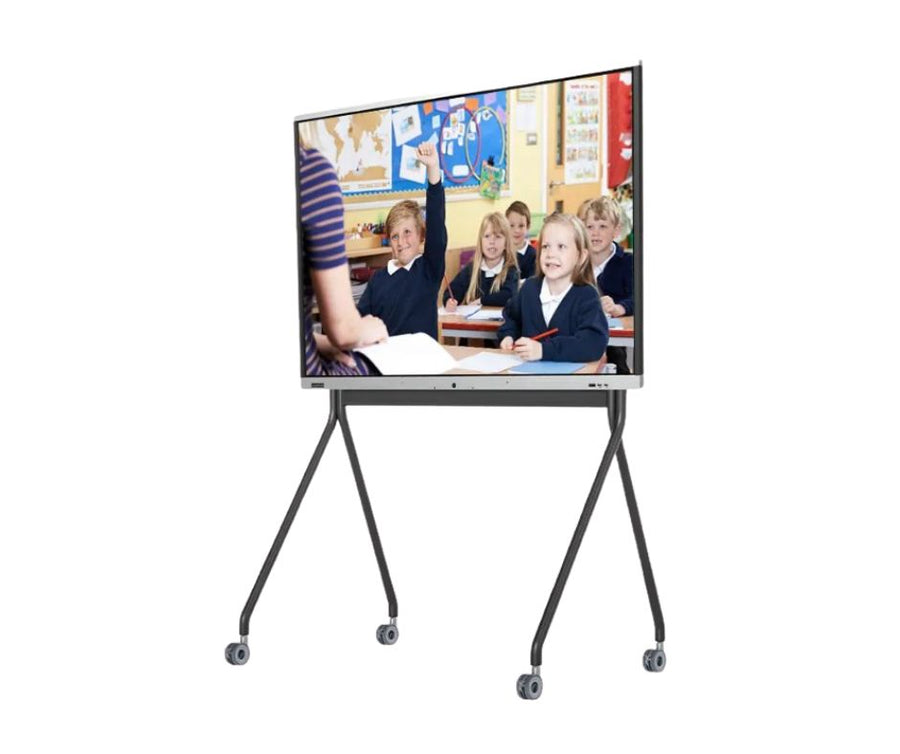
Every HM panel carries a 50 megapixel camera that frames the people in the room automatically, an eight-microphone array with pickup to eight metres, and two 16 watt speakers. The 4K display runs at 400 candela per square metre, which is bright enough to keep the blinds open. The camera, the mics and the screen are one device with one power lead.
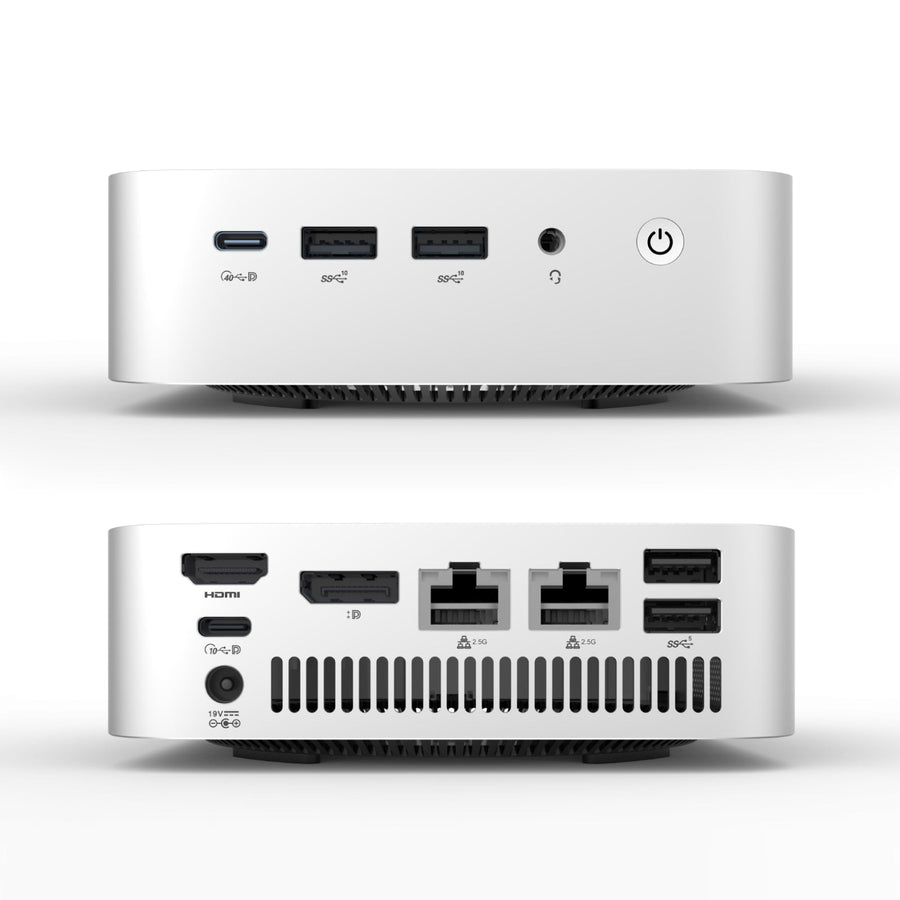
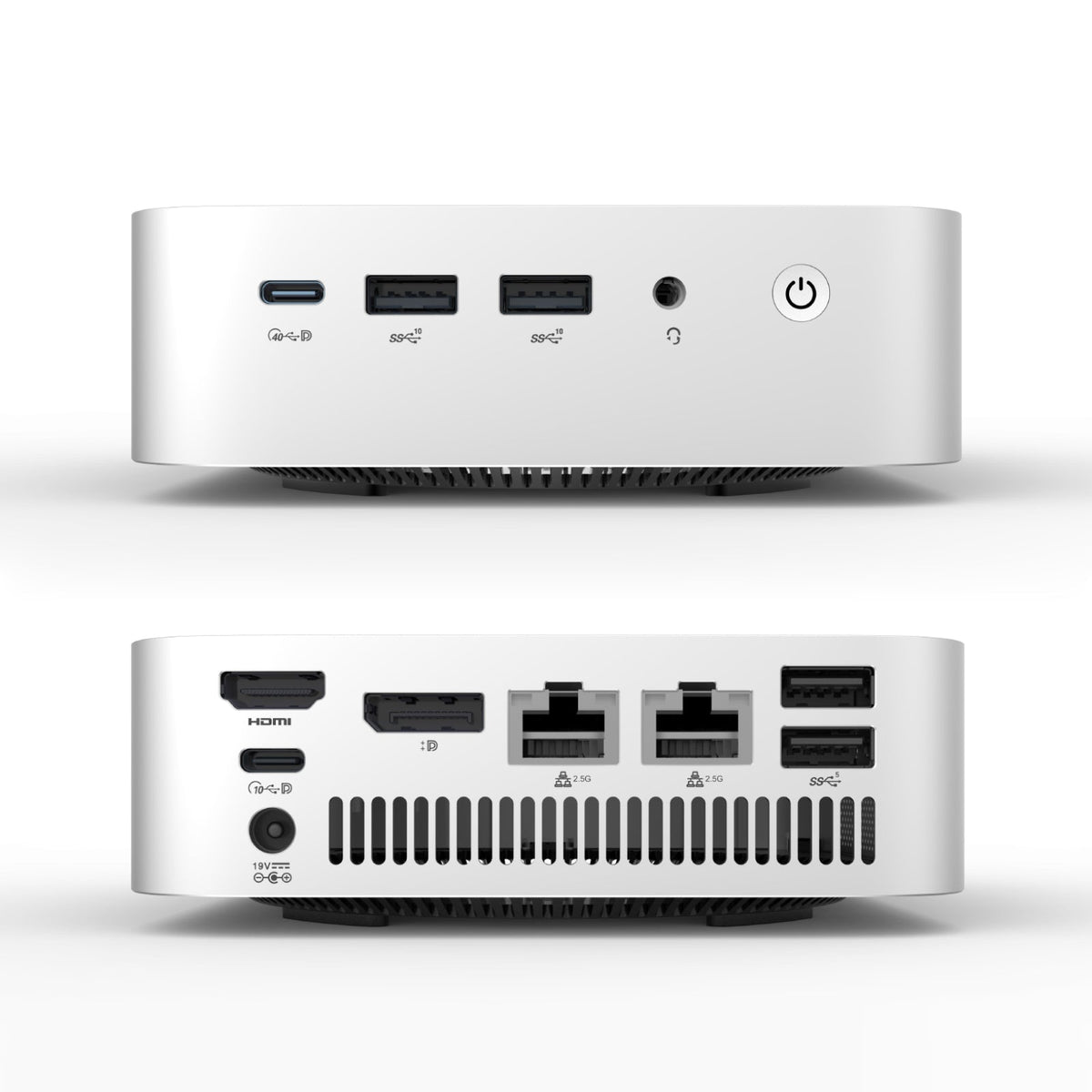
The panel does not run Teams, Zoom or Meet by itself. Those run on a computer, and the cleanest place for it is behind the panel: an OPS module in the panel's slot, or a mini PC mounted to the back. The meeting platform your organisation already uses runs on that computer and works with the panel's camera and microphones, so there is no separate camera bar, no soundbar and no second remote.
Anyone can cast wirelessly from a laptop or phone without a cable. For visitors who will not have anything installed, a screen-share dongle lives in the room: plug it into the laptop, press the button, and they are on the panel. One per room is usually enough.
The advantage of one panel type across every room is that the rooms behave the same. Staff learn it once. IT manages one Windows image. When a room changes size the panel can move with it, especially on a floor stand.
Panel, stand and PC ordered together save 15%, and we quote room types as bundles so a fit-out can be rolled out a floor at a time. Tell us how many rooms of each size and we will come back with a spec per room type.
A venue's screen has to arrive for the 9am workshop, disappear for the lunch setup and work for a presenter who has...
10 September 2026 · 2 min readCouncils buy differently: published pricing, written quotes, purchase orders and a paper trail. Here is how a panel purchase fits that process,...
10 September 2026 · 2 min readA typical meeting room is a screen, a camera bar, a speakerphone, a PC and a tangle of cable. The HM panel...
10 September 2026 · 2 min read